Bundles
Bundles can be used to load functionality into your Engine workspace. We provide several bundles for commonly used functionality.
Prior to version 11, executions were not created in bundles, only in projects. Since version 11, executions can also be created in bundles.
Can't see the video? Watch it on YouTube
Dashboard
You can open a bundle by selecting it through the sidebar:
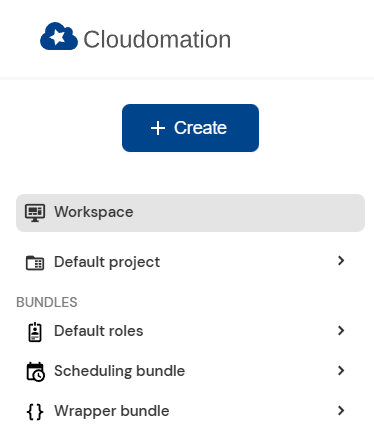
The sidebar. Note that bundles are separated from projects.
The bundle dashboard displays all resources (flows, wrappers etc.) in the bundle and shows the version and repository of the bundle. Since bundles are read only by nature you cannot modify this information.
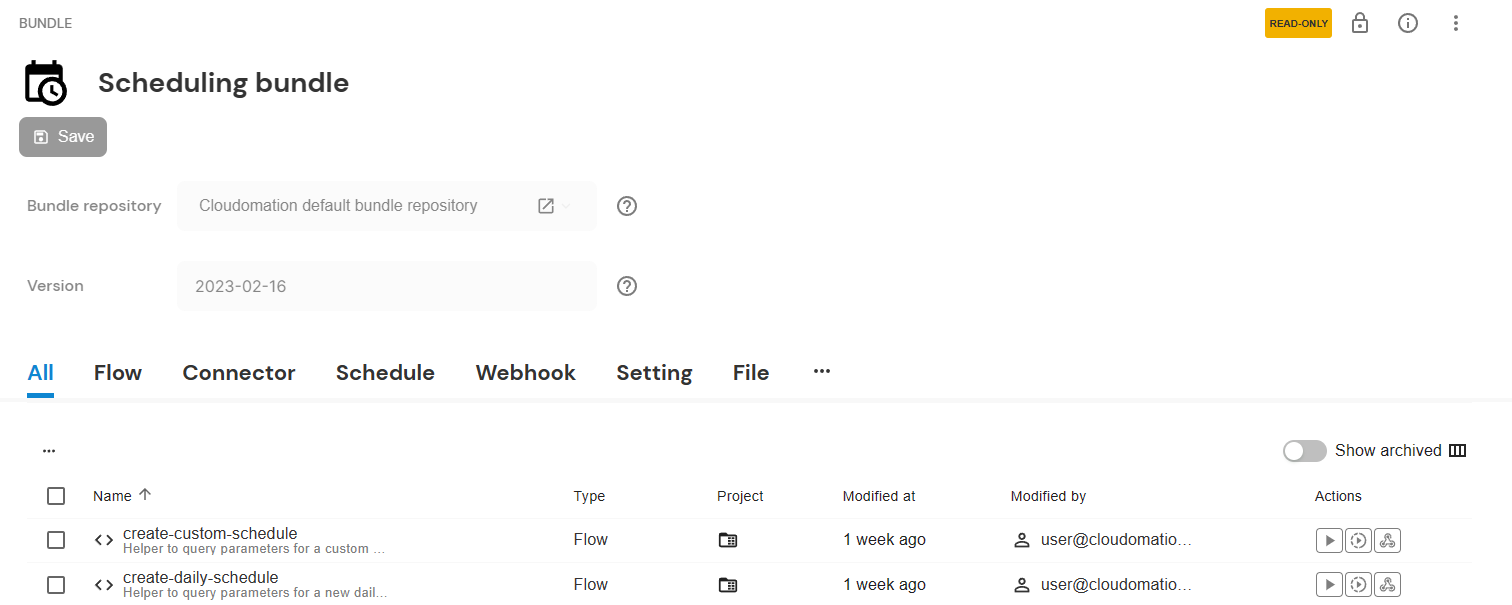
The bundle dashboard
Bundle repository
Every Engine workspace has a bundle repository resource. It enables communication between your workspace and a central repository where Engine bundles are stored. There is no need for you to edit the default bundle repository.
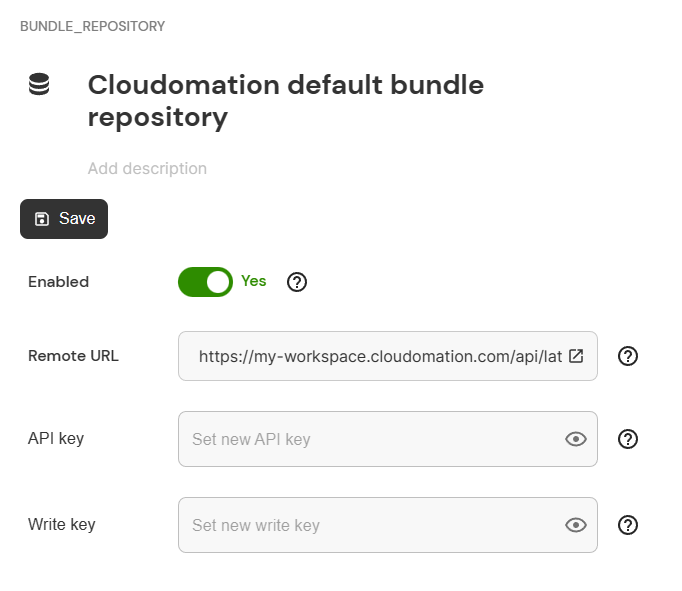
The bundle repository
Bundle content badge
All content in bundles provided by Cloudomation is marked with a badge.

The bundle content badge
In case you add your own content to an imported bundle (e.g. a configuration file), the badge is not added to the content. This helps distinguishing between the original content of a bundle and content added by you.
Each resource in a bundle has a Bundle content flag in its details panel. When enabled, the resource is treated as official bundle content: it shows the bundle content badge, is included when the bundle is exported or updated, and changes to it mark the bundle as modified.
Bundles also have a Default bundle content setting in the bundle details panel. When enabled, new resources you create in that bundle are automatically marked as bundle content. When disabled (the default), new resources are treated as custom additions unless you enable Bundle content on each resource individually.
When you import a bundle, the content with the badge is marked read only.
Read only blocks changes to a record's content (its name, description, value/script and schemas) and its relocation to another project or bundle. A small set of operational-metadata fields stays writeable even while the record is read only, so you do not have to unlock the record to adjust them: the read-only flag itself (your unlock key) and the Track in git flag (git backup on/off). This also applies to records inside a read-only project or bundle. Sidebar pinning, tags and record metadata are stored separately and are likewise unaffected by the read-only flag.
When you update or re-install a bundle, official bundle content that is no longer part of the bundle is permanently removed from your workspace.
The credential fields of a configuration resource (for example the password, token or keys of a Vault or Devolutions configuration) are an exception: they are per-environment secrets, so a bundle release does not carry them and updating or re-installing a bundle keeps the credentials you provisioned on the target workspace in place. See Secret Handling for details.
Managing bundles
For information on how to manage bundles, refer to the Bundle Manager.
List of bundles
A list of available bundles and their documentation can be found at Bundle List